

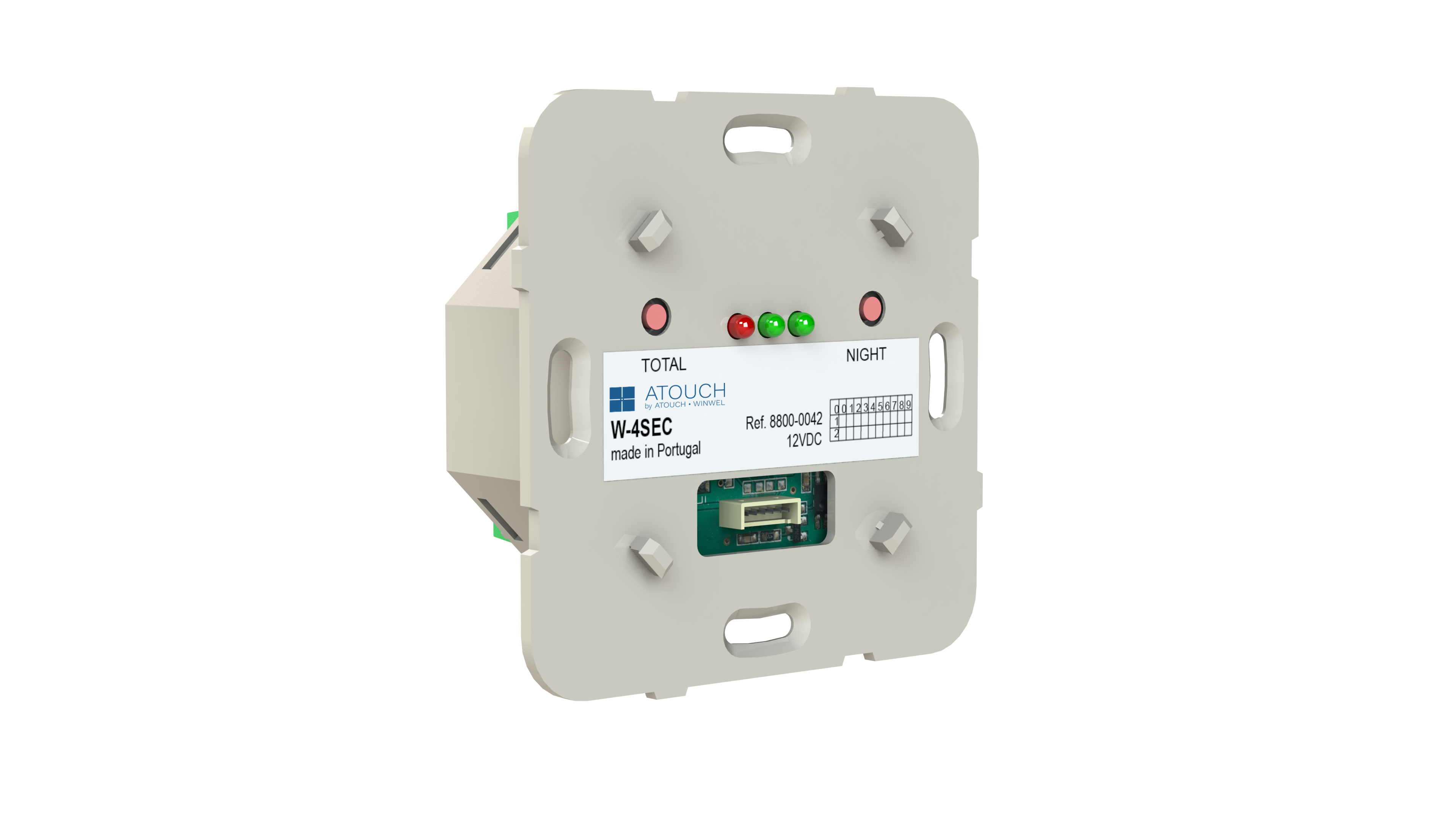
4-zone expander control for connecting security detectors. Equipped with RF for receiving commands from the remote control (RC-4BRF). Use in conjunction with the T-SEC keypad can be configured for home or garage and also allows the configuration of the control panel parameters and local zones.
The W-4SEC is a 4-zone digital expander module for connecting security detectors. It can be used with the T-SEC keypad to configure security systems for a home or garage, and allows adjusting parameters of the control unit and local zones.
You can connect sensors for:
Intrusion
Smoke/fire
Gas leaks
Flood detection
Panic alarms
You can connect sensors for:
Intrusion
Smoke/fire
Gas leaks
Flood detection
Panic alarms
The module supports up to 4 digital zones (NC).
The module supports up to 4 digital zones (NC).
Yes. The W-4SEC is equipped with an RF transmitter/receiver (868.3 MHz or 915 MHz), allowing it to receive commands from the RC-4BRF remote control.
Yes. The W-4SEC is equipped with an RF transmitter/receiver (868.3 MHz or 915 MHz), allowing it to receive commands from the RC-4BRF remote control.
Yes. The T-SEC keypad is necessary to configure zones, protection types, and scenarios such as HOME or GARAGE.
Yes. The T-SEC keypad is necessary to configure zones, protection types, and scenarios such as HOME or GARAGE.
Yes. The W-4SEC can be included in TOTAL and NIGHT scenarios using the Atouch app or directly via the modules. These scenarios define the output states based on the active security mode.
Yes. The W-4SEC can be included in TOTAL and NIGHT scenarios using the Atouch app or directly via the modules. These scenarios define the output states based on the active security mode.
Remove the T-SEC to access the W-4SEC.
Put all desired outputs in Programming mode (via the Atouch App or directly on the modules).
Press the TOTAL or NIGHT button on the W-4SEC until you hear a BEEP.
Set the final state of each output to be saved in the scenario.
Press the same button again until you hear another BEEP to save the scenario.
Remove the T-SEC to access the W-4SEC.
Put all desired outputs in Programming mode (via the Atouch App or directly on the modules).
Press the TOTAL or NIGHT button on the W-4SEC until you hear a BEEP.
Set the final state of each output to be saved in the scenario.
Press the same button again until you hear another BEEP to save the scenario.
Yes. The W-4SEC can be paired with RC-4BRF remotes to remotely arm/disarm zones or trigger scenarios.
Yes. The W-4SEC can be paired with RC-4BRF remotes to remotely arm/disarm zones or trigger scenarios.
Apoio ao cliente